Getting started with simracing: A complete setup guide for beginners!
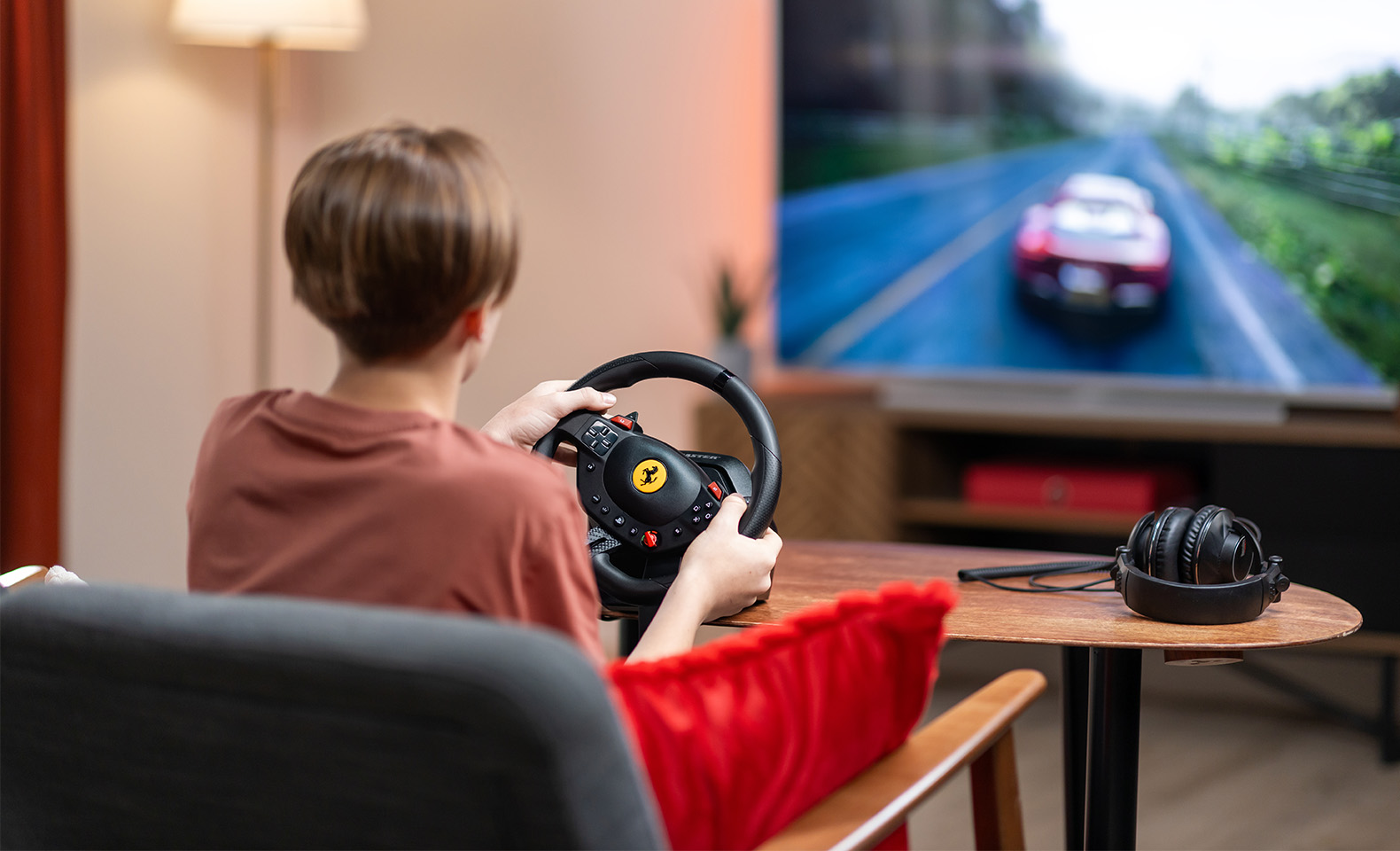
Simracing, a contraction of “simulation” and “racing”, has become a true global phenomenon, bringing together racing and tech enthusiasts. But when you’re just starting out, all that technical jargon and myriad of equipment and setup options can seem daunting. With some good guidance and a complete, balanced simracing setup, any player can unlock an extraordinary driving feel.
So how can you dive into simracing without being overwhelmed? Which comprehensive setup is best for an immersive and accessible experience? And above all, how can you combine fun and progression from the very first laps?
Here is a step-by-step guide to choose the best racing wheel for beginners, families and children who want to learn while having fun, not headaches.
Getting into simracing as a beginner
There are many reasons to get into simracing. Whether you’re a parent wishing to share a fun experience with your children, a motorsport enthusiast looking for a technical hobby or simply a dedicated thrill seeker, simracing is an excellent gateway to a true passion!
Diving into simracing with the right gear changes everything. While you can absolutely play racing games with just a simple gamepad, you miss out on the thrill of a real driving experience.
Essential components of a complete simracing setup
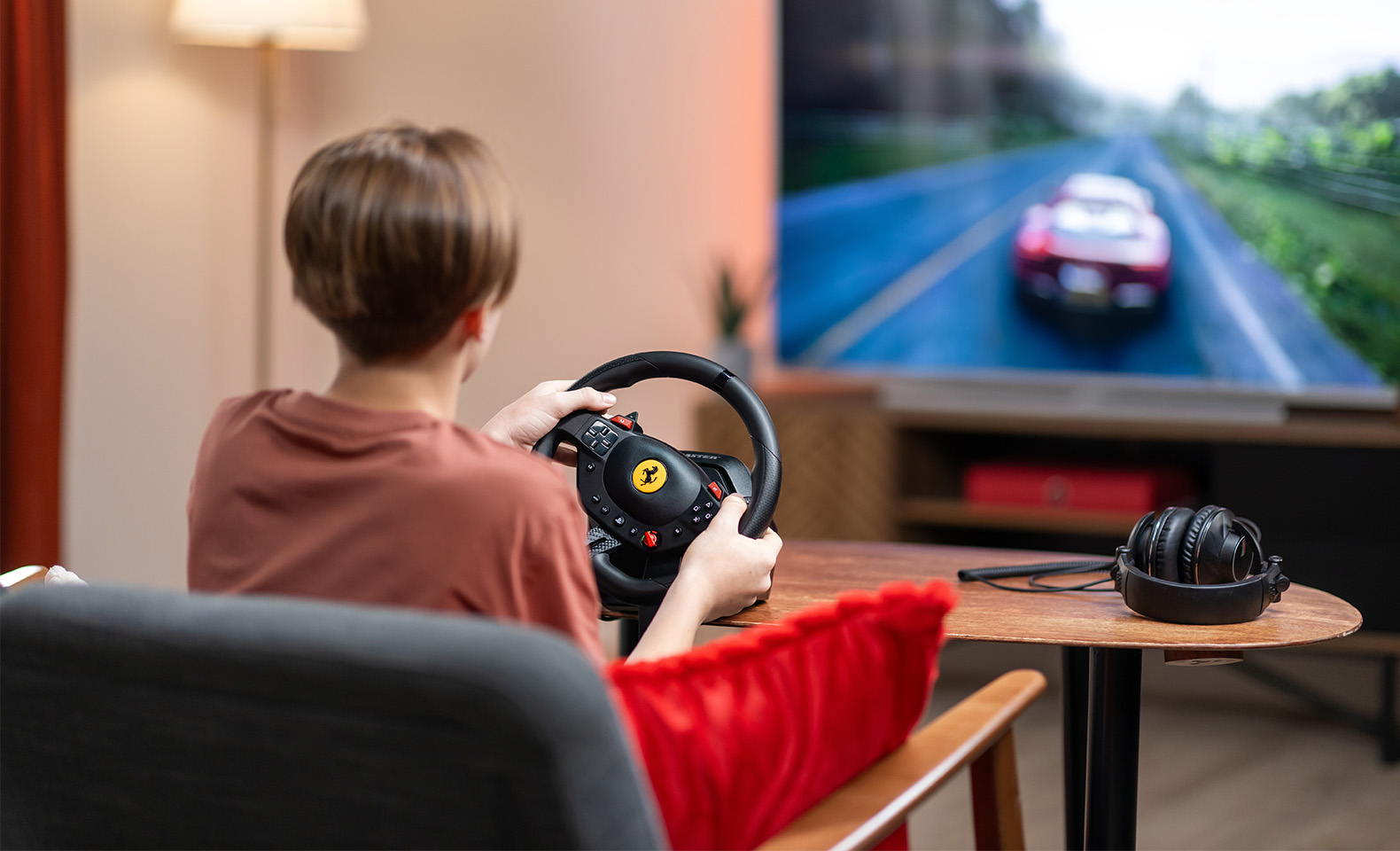
A balanced setup generally includes a racing wheel and a pedal set. What matters is that it’s stable, responsive, ergonomic and easy to use. That physical stability and mechanical precision enable racers—even children or casual players—to really feel their vehicle.
No matter how simple, your gear must be easy to install and use.
The driving feel
The driving feel is a core part of simracing. For a seasoned racer, this involves advanced, sometimes complex technology. But for beginners, what matters most are precision controls and consistent wheel reactions. Here are two types of simracing wheels perfectly suited for such players:
Bungee cord racing wheels: These racing wheels feature elastic technology that automatic re-center steering. The maximum angle of rotation is most often 240° (against 180° for a standard gamepad), thus providing a broader range of motion, meaning more precision when plotting trajectories. That’s exactly what a model like the T98 Ferrari 296 GTB provides. This technology features linear resistance within the steering wheel, providing automatic re-centering for a progressive and intuitive experience. This enables players of all ages to feel the steering without being caught off guard by intense or random effects. This preserves a natural feel, thereby allowing for better handling and developing crucial road reading skills.
This type of feel is perfectly suited to first-time simracers. It helps them develop essential driving reflexes, such as managing their speed when approaching turns or correcting an overly optimistic trajectory. In other words, they learn to drive without struggling against their gear.
Force feedback racing wheels: FFB (force feedback) consists in the transmission of game data to the wheel through movements, resistance and vibrations produced by its internal motor. Such racing wheels enable players to feel their car’s grip, surface types and shocks through their hands, thus improve immersion. The force feedback’s power (or torque) is expressed in Nm (Newton meters). Some torque-limited racing wheels—like the T128 and T248—are suitable for beginners. Racing wheels with powerful Direct Drive motor—like the T598 and T818—are for more seasoned players.
Ergonomics and compatibility: two core criteria for beginners
When you want to discover simracing—especially with your family—you don’t necessarily want to install a single-seater cockpit right in the middle of the living room. You need compact, easy-to-install hardware that’s compatible with several systems.
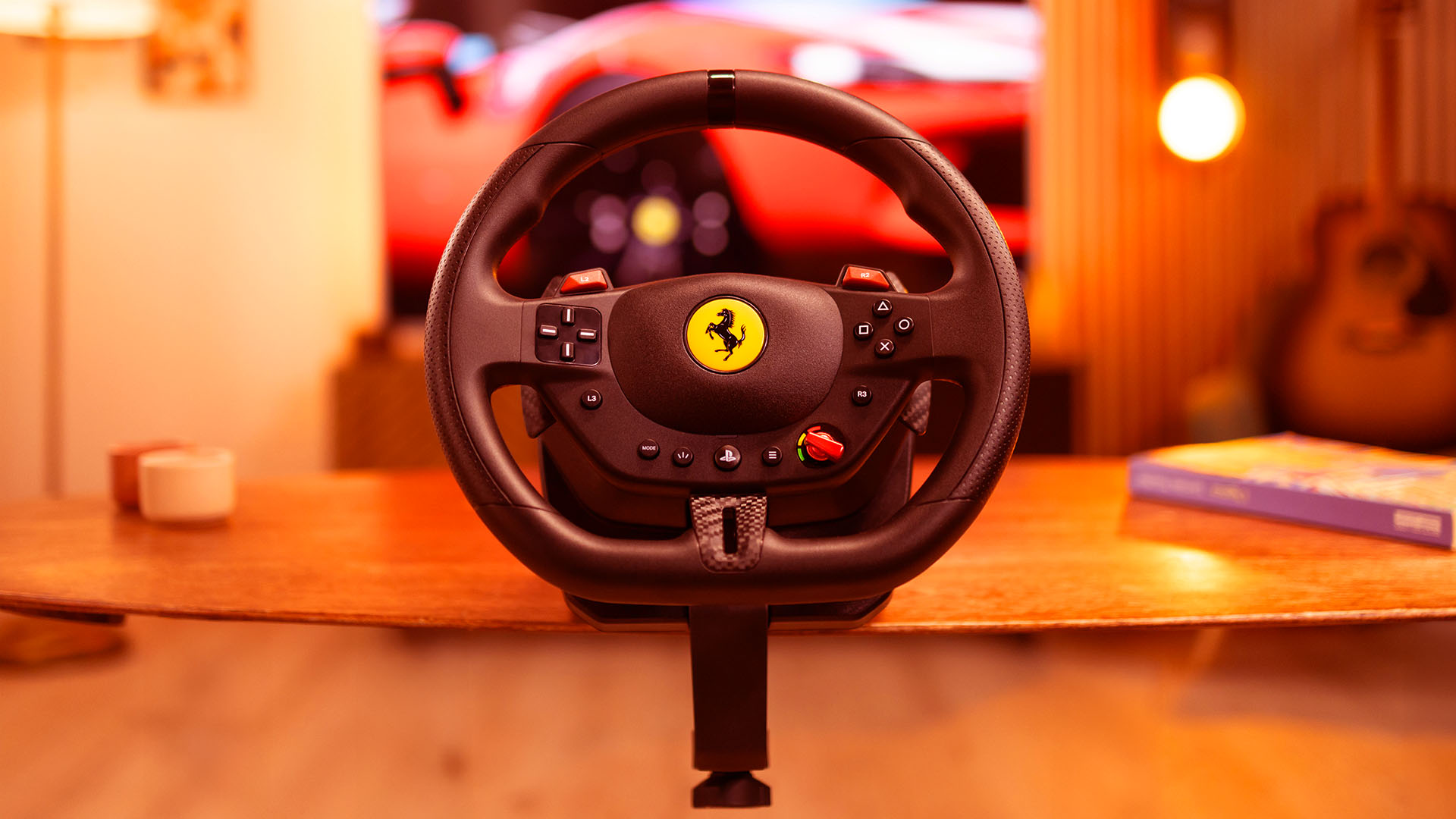
And that’s precisely where the T98 stands out. With its 25.5 cm diameter, a design inspired by the iconic Ferrari 296 GTB wheel, its imitation carbon paddle shifters and integrated buttons, the T98 provides a natural and pleasant grip, even for small hands. It’s designed for quick installation without screws or tools on a table or desk thanks to its clamp system.
Moreover, its plug-and-play format means you don’t need to install any complicated software. Just plug it into your PS5®, PS4® or PC and let the racing begin! This multiplatform compatibility is perfect for families, since everyone can adapt it to their needs and devices.
Here are some installation tips:
- Choose a stable surface: Avoid wobbly or extendable tables. Good stability is essential for the racing wheel to stay in place when racing.
- Place your screen at eye level: Ideally, you should see the road without having to lower or lift your head.
- Adjust the pedal-seat distance: For better control, players must be able to reach the pedals without completely stretching their legs.
- Use a chair with removable armrests or without armrests: This avoids hindering arm movements during sharp turns.
- Use a chair without wheels or with brakes: A chair with wheels will move back when braking, so it’ll be harder to maintain a comfortable position.
The T98: A great racing wheel for beginners!
Designed for both curious beginners and young aspiring drivers, the T98 Ferrari 296 GTB / GTS is an excellent introductory simracing wheel. But that’s just the beginning! Thanks to its three driving support profiles, selectable on the fly via the manettino button, everyone can adapt their steering wheel’s sensitivity to their level.
The profiles range from the greatest driving support—perfect for children or casual players—to the most realistic feel for those looking to hone their driving style. Such flexibility makes the T98 an evolving racing wheel capable of helping the whole family develop their skills over time.
The included pedal set featuring Hall-effect magnetic sensors (H.E.A.R.T. technology) provides a precise, reliable response to each pressure, whether you’re accelerating or braking. It’s stable, quiet and compact enough to slip under a desk—even in a small space.
A 3-in-1 product:
- One T98 Ferrari 296 GTB or GTS racing wheel
- One magnetic pedal set (H.E.A.R.T.)
- One clamping system for desks and tables
It meets all the criteria for the complete beginner’s setup mentioned earlier in this article.
Family-friendly immersion
This is where the T98 makes all the difference. It was designed to share the fun of driving. Unlike some models that are too focused on competitive racing, this one is intended for a wider audience looking for a fun, immersive and accessible experience.
With the T98, get ready for bursts of laughter, friendly challenges and a noticeable ramp-up in skill as you play. It’s a simple and fun way to discover simracing with friends or family.
The T98: A smart choice to get started with confidence
At this stage of the article, we hope that the message is clear: simracing is not an elitist hobby just for gear heads.
With the right equipment, it can be a fun, accessible, and educational family hobby, and yes, a little addictive (in the best way possible).
The T98 Ferrari 296 GTB and T98 Ferrari 296 GTS checks all the boxes:
- An iconic and eye-catching design Ferrari fans will especially love;
- A 240o rotation angle to easily learn how to manage your trajectories;
- A precise and durable pedal set with magnetic H.E.A.R.T. sensors,
- A smooth and linear re-centering thanks to bungee cord technology;
- Three driving support profiles—perfect for learning and honing your driving skills.
So how can you kick off your simracing journey on the right foot? By choosing the right racing wheel, setting up an efficient gaming area and launching your favorite racing game. Ready to burn some rubber? See you at the starting line!
FAQ
| Is simracing suitable for children? | Yes, even very suitable with the right supervision. Thanks to racing wheels like the T98 Ferrari 296 GTB, which provides an adjustable level of driving support, a compact design and intuitive handling, children aged 7 to 8 under adult supervision can have fun while developing their coordination and sense of anticipation. And it’s an excellent family activity! |
| What’s the best introductory simracing wheel? | The best steering wheel to start racing with offers a good compromise between realism, accessibility and ease of installation. The T98 has it all: Plug-and-play. Compatible with the PS5®, PS4® , Xbox and PC. Easy to install and store. Designed for beginners thanks to three adjustable driving support profiles. |
| What game is best for beginners? | Several titles are very suitable for beginners. Here are some suggestions according to ages and platforms: Forza Horizon 5 (PS5/PC): A benchmark open-world racing game that’s both accessible and lots of fun. Gran Turismo 7 (PS5/PS4): An excellent balance between an arcade feel and a simulation. F1 25 (PS5/PS4/PC): Perfect for single-seater fans—features progressive assistance. The Crew Motorfest (PS5/PS4/PC): Open-world racing with a wide variety of vehicles. |
| Is it hard get into simracing? | If you have the right gear, it’s as easy as can be! Gone are the times one had to invest in a complicated cockpit, navigate obscure software or manually configure profiles. Solutions like the T98 Ferrari 296 GTB / GTS make getting into simracing fast, simple and smooth—just plug in, you choose your level and drive. Learning comes as you play at your pace. |
| Can I upgrade this setup with other accessories later? | The T98 Ferrari 296 GTB / GTS is not an upgradeable racing wheel, meaning you can’t add new accessories like a high-end pedal set or shifter to it. It is a simple, ready-to-use, all-in-one product designed to make simracing accessible to everyone, including children, families and curious beginners, from the very first laps. But if you catch the simracing bug—and we think you will!—, the good news is that Thrustmaster has an entire evolutionary ecosystem available. Once you’re comfortable behind the wheel, you can upgrade to a higher-end range in the same product line, such as the T300 or T598, which are compatible with a whole series of advanced accessories. |