ThrustmapperX
ThrustmapperX : Get the most out of your ESWAP gamepad
Get the most out of your ESWAP gamepad with the ThrustmapperX software for PC and XBOX: configure your buttons, mini-sticks and triggers, create and import mapping profiles, and update your gamepad’s firmware — all from a single software application.
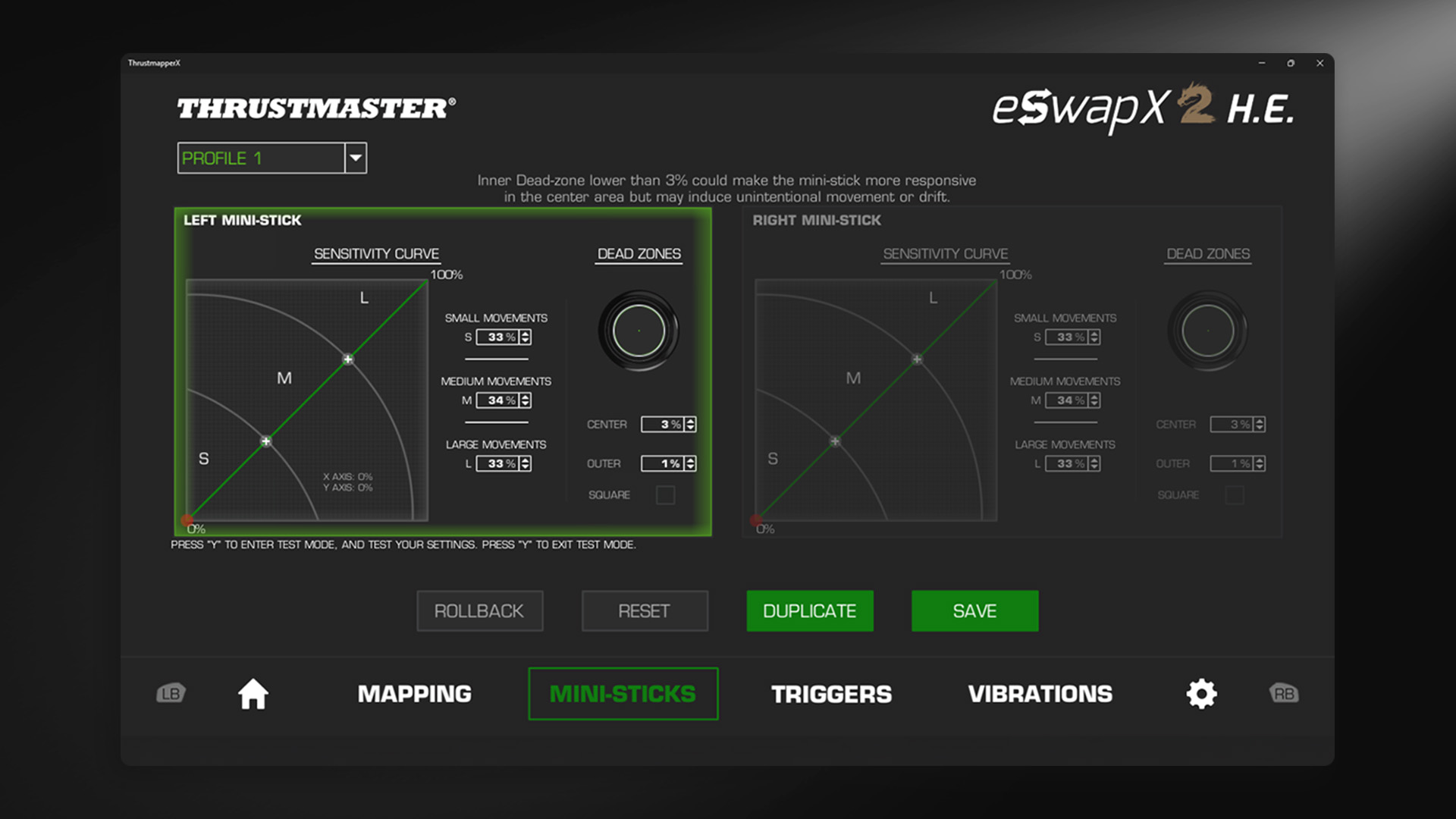
Precisely adjust the sensitivity zones and dead zones for each mini-stick, as well as the activation distance for the triggers. Customize your settings to your match your gaming style, for maximum precision and responsiveness when it matters most.
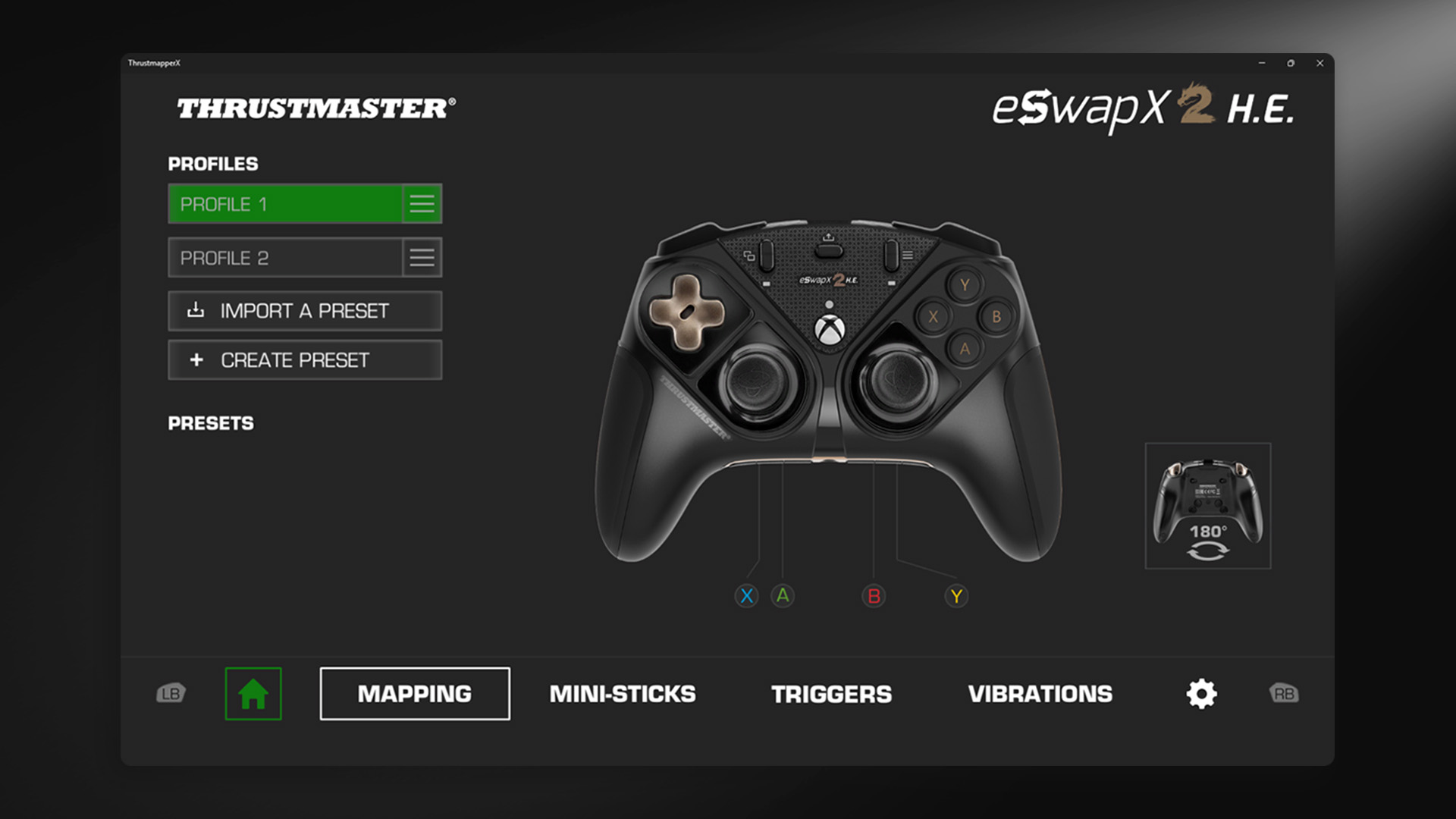
Configure the assignment of buttons on your ESWAP gamepad, and create multiple dedicated profiles. Assign commands to the gamepad’s extra buttons: volume control, microphone management, or replication of existing button functions.
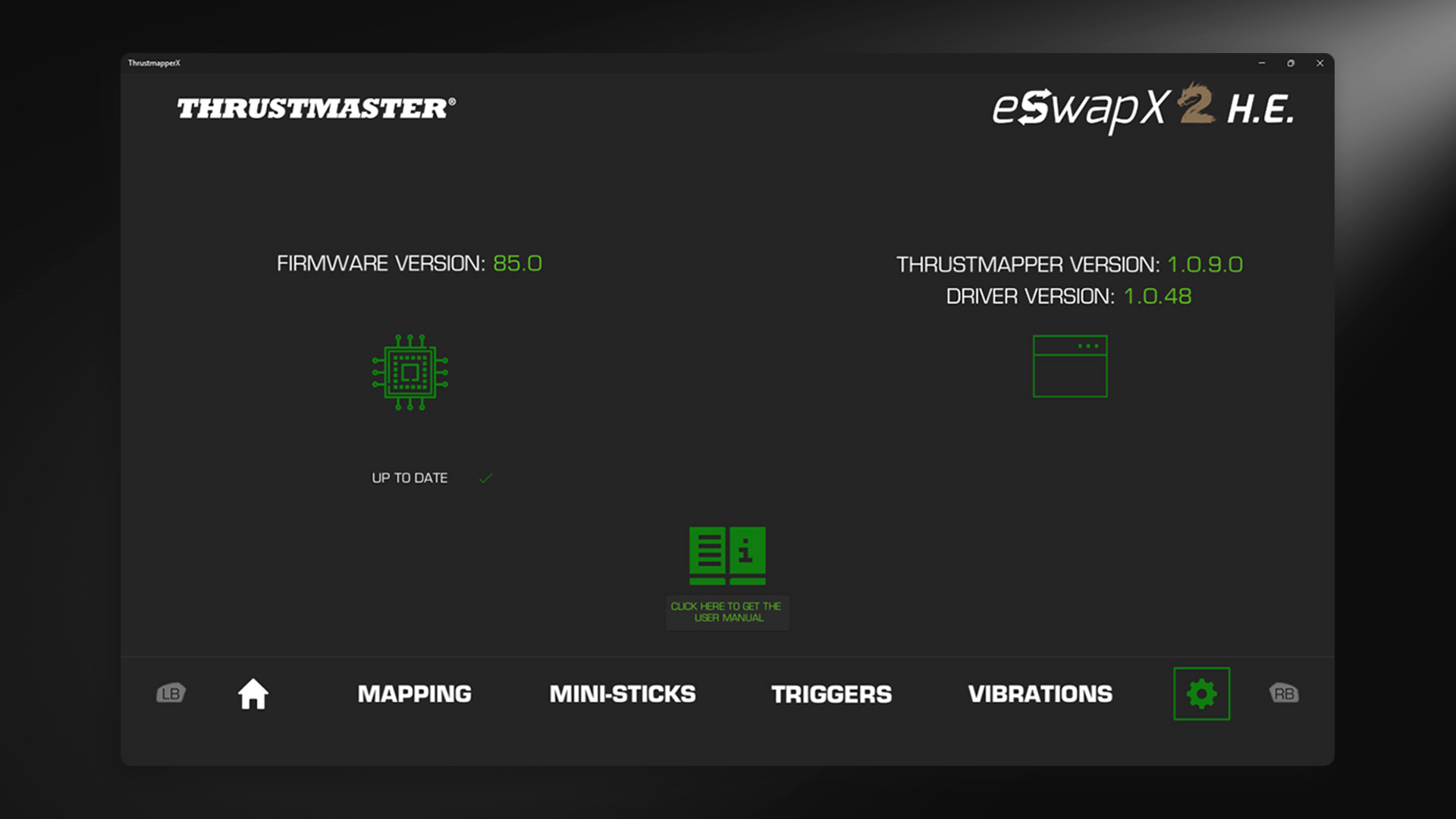
Update your gamepad’s firmware and drivers directly via the software and access the user manual, to take advantage of the latest software updates for your ESWAP gamepad as soon as they’re released.